
MetaMask, formerly Consensys Software Inc, is the world's largest self-custodial financial platform, giving people a single place to hold, spend, save and grow their money across both crypto and traditional assets. The company is building the consumer platform where that happens, bringing payments, savings, investing and digital assets together in one seamless experience. Having grown from the world's most widely used self-custodial wallet, MetaMask gives users direct control over their money and assets, with reach across approximately 190 countries. MetaMask has played a foundational role in Ethereum's growth since 2016. Today, MetaMask sits at the center of the blockchain economy, building the operating system for Open Money and putting people in full control of their financial lives.
Read all articles
Swapping crypto is fast, easy, and secure with MetaMask. You can choose from thousands of your favourite tokens across ten networks including Ethereum, Solana, Linea, Base, and Arbitrum. MetaMask Swaps also include gas fees right in your quotes, making swapping crypto as smooth as can be.
We've simplified cross-chain swapping too. Send&Swap lets you choose the token you want to spend and the token you want the other person to receive — all in one move. As ever, safety is essential when it comes to your digital assets. So rest easy. MetaMask Swaps are powered by our razor-tight, industry-leading security.
Below, you'll find step-by-step guides showing you how to swap crypto with MetaMask.
Let's get into it! 🦊
How to swap crypto with MetaMask Extension
Open the MetaMask browser extension.
Select the network you want to swap on, and click the Swap button.
Select the token you want to swap from. Example: ETH.
Enter the amount that you want to swap.
Select the token you want to swap to. Example: DAI.
A preferred quote will be loaded automatically. To select a different quote, click View all quotes.
Click Swap to confirm.
Success! 🦊
How to swap crypto with MetaMask App
Sign-in to your MetaMask mobile app.
Select the network you want to swap on, located at the top of your screen. Example: Ethereum Mainnet.
Tap the menu button, which has two arrows in opposite directions and is located on the bottom of your homepage screen.
Tap Swap.
Select the token you want to swap from by tapping the token name that appears under your wallet address. Example: ETH.
Enter the amount that you want to swap.
Select the token you want to swap to. Example: DAI.
Tap Get quotes to proceed. Note: you can manually select a different quote from our range of industry-leading providers.
Tap Swap to confirm.
Success! 🦊
How to swap crypto with MetaMask Portfolio
Connect your MetaMask wallet to portfolio.metamask.io
Click Move crypto.
Click Swap.
Select the network you want to swap from in the dropdown menu. Example: Ethereum.
Select the token you want to swap from. Example: ETH.
Enter the amount that you want to swap.
Select the token you want to swap to. Example: DAI.
Click Get Quotes to proceed. Note: you can manually select a different quote from our range of industry-leading providers.
Click Swap to confirm.
Success! 🦊
Ready to start swapping crypto? If you're on desktop, download MetaMask Extension. If you're on mobile, download MetaMask app for iOS or Android.
Need more help? We got you. Check out our MetaMask Support guide about swapping crypto.
- GUIDES

Champions League prediction markets explained
The 2026-2027 Champions League season trading map: an overview of key prediction markets across the league phase and knockouts, what makes pricing distinct, and what moves volume from the opening match on Sep 8 2026 to the final in Madrid on June 5 2027.
- LATEST

MetaMask Card x Blackbird: Dine like an insider
Restaurant lovers, your card unlocks priority access.
- LATEST
Introducing MetaMask Money Account
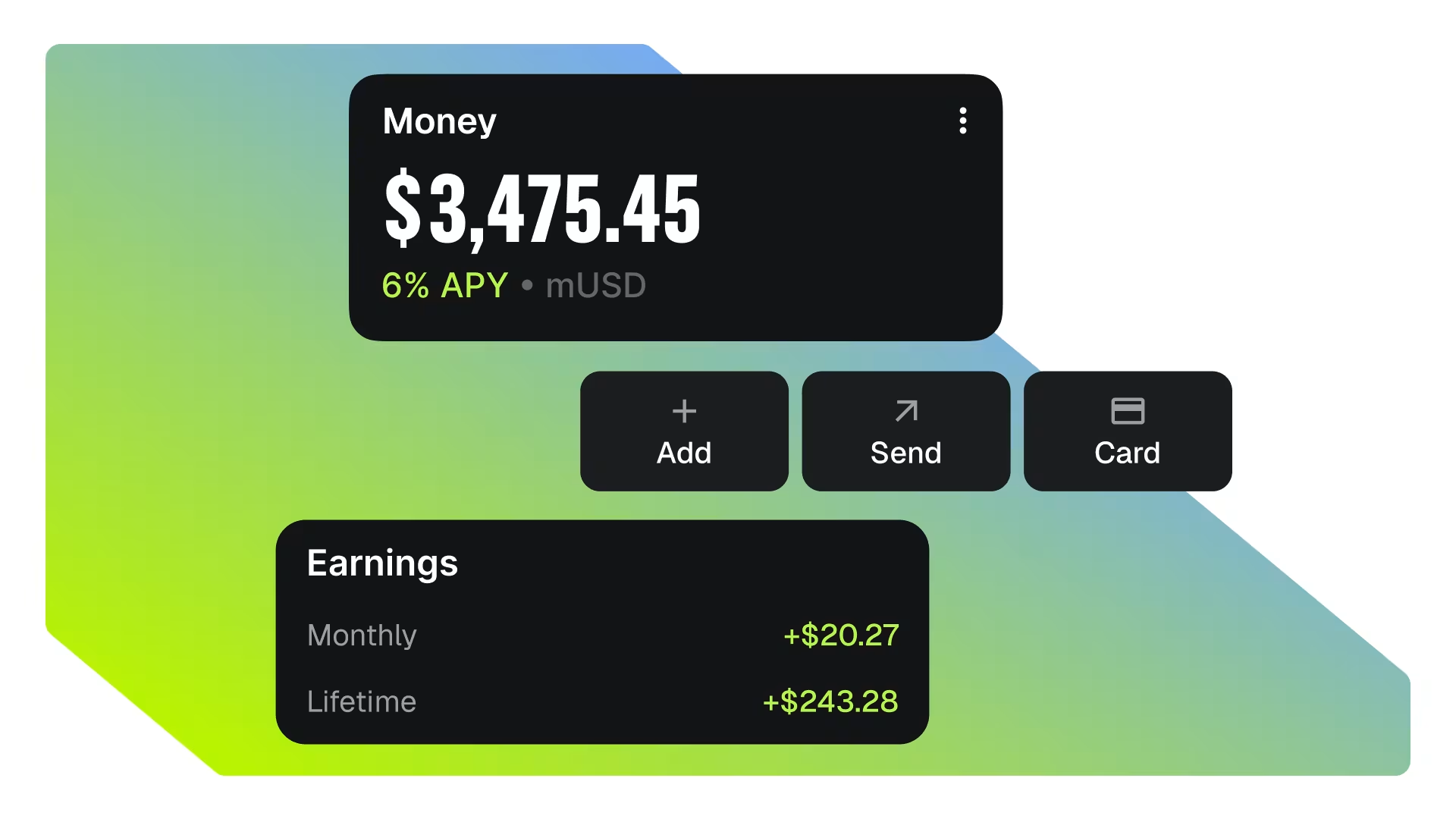
Earn up to 6% APY automatically as you trade, send, and spend. Turn your money on.

