
MetaMask, formerly Consensys Software Inc, is the world's largest self-custodial financial platform, giving people a single place to hold, spend, save and grow their money across both crypto and traditional assets. The company is building the consumer platform where that happens, bringing payments, savings, investing and digital assets together in one seamless experience. Having grown from the world's most widely used self-custodial wallet, MetaMask gives users direct control over their money and assets, with reach across approximately 190 countries. MetaMask has played a foundational role in Ethereum's growth since 2016. Today, MetaMask sits at the center of the blockchain economy, building the operating system for Open Money and putting people in full control of their financial lives.
Read all articles
MetaMask Agent Wallet is available as a plugin in the Grok Bot marketplace. Add it, and Grok Bot can check balances, swap and bridge tokens, trade perps on Hyperliquid, take positions on Polymarket, and supply to yield vaults from a plain-language request.
It's backed by the same security that protects millions of MetaMask users. Agent Wallet is self-custodial, every supported transaction is simulated and threat-scanned before it lands, and Guard Mode keeps Grok Bot inside the limits you set.
Add MetaMask Agent Wallet to Grok Bot
What you can ask Grok Bot to do
Grok Bot is an always-on AI agent that works from its own cloud computer. Agent Wallet gives it a wallet to act with. Once it's connected, prompts like these just work:
Example prompt (not investment advice) | What happens | Go deeper |
"Show my wallet address and USDC balance" | Checks sign-in, then reads balances. No confirmation needed for read-only requests. | |
"Swap .1 ETH to USDC on Base" | Fetches a quote, confirms with you, then executes | |
"Open a 5x long on BTC with $100 on Hyperliquid" | Deposits if needed, quotes, and opens the position | |
"Buy $10 of YES on a BTC price market" | Searches markets, confirms the price, and places the order | |
"Supply 100 USDC to a yield vault on Base" | Finds vaults, compares APYs, and supplies your tokens |
How to add Agent Wallet to Grok Bot
Add the plugin. Open the MetaMask Agent Wallet listing and click Add to Grok Bot. The plugin ships the Agent Wallet skill, which teaches Grok Bot which
mmcommands to run and when to stop and ask you first.Start a new session. At session start, the plugin checks whether the
mmCLI is installed and signed in. If the CLI is missing, Grok Bot asks before installing it. The plugin never installs anything on its own.Sign in and pick your settings. Paste:
Set up MetaMask Agent Wallet: help me pick a sign-in method, wallet mode, and trading mode, then show my address. Choose Google, email, or MetaMask Mobile QR, and keep using the same method. Each one loads a different wallet address.Fund it and start small. Send funds to the address Grok Bot shows you on the chain you plan to trade on, then try a small swap.
The quickstart walks through every step, including what to do if setup stalls.
Using Grok Build, the coding CLI, instead? Install the same plugin with grok plugin install MetaMask/agent-skills --trust.
Guardrails Grok Bot can't talk its way around
An agent that can trade is only as safe as the wallet behind it. Agent Wallet enforces its checks at the wallet layer, so they hold no matter what the agent is told.
Keys stay out of reach. With a server wallet, keys are secured in a trusted execution environment (TEE). Grok Bot can use the wallet without ever touching your main wallet or its Secret Recovery Phrase.
Every supported transaction is checked first. Agent Wallet simulates the transaction, scans it for threats with Blockaid, and routes it through Smart Transactions with MEV protection (protection against bots reordering transactions for profit) where the chain supports it.
Guard Mode sets the boundaries. Guard Mode, the recommended setting, enforces network, address, and recipient allowlists plus a rolling 24-hour outflow limit you set. Anything outside those boundaries pauses until you approve it by email link or MetaMask Mobile push notification.
Beast Mode still blocks the bad stuff. Switch to Beast Mode for fewer interruptions, and threat scanning stays on. Malicious and risky transactions still need your approval.
Eligible transactions that pass these checks are backed by Transaction Protection coverage of up to $10,000 per month. For the full threat model, see agentic wallet security.
Three things to know before your first Grok Bot trade
The guardrails apply at a different moment for each type of trade. Knowing where they fire tells you what Guard Mode is and isn't catching.
Swaps are checked trade by trade. A swap or bridge is itself the transaction, so the outflow limit, threat scanning, and two-factor approval all apply to the swap amount directly. If a swap pauses for approval, approve it rather than asking Grok Bot to try again, or you risk a duplicate. More in 9 key tips for swapping and bridging with Agent Wallet.
Perps are checked at the deposit, not the order. The outflow limit and approvals apply when funds move into Hyperliquid. Opening, modifying, and closing positions are Hyperliquid-signed actions, so a position sized well past your outflow limit opens without a wallet-level check. Size your deposit with that in mind. More in 9 critical tips for trading perps with Agent Wallet.
Prediction markets split the difference. Deposits are checked like any other outflow. Placing and canceling orders happen off-chain on Polymarket's order book, so Guard Mode doesn't evaluate them one by one. Some regions are geoblocked, which Grok Bot surfaces at setup. More in 9 top tips for trading prediction markets with Agent Wallet.
- GUIDES
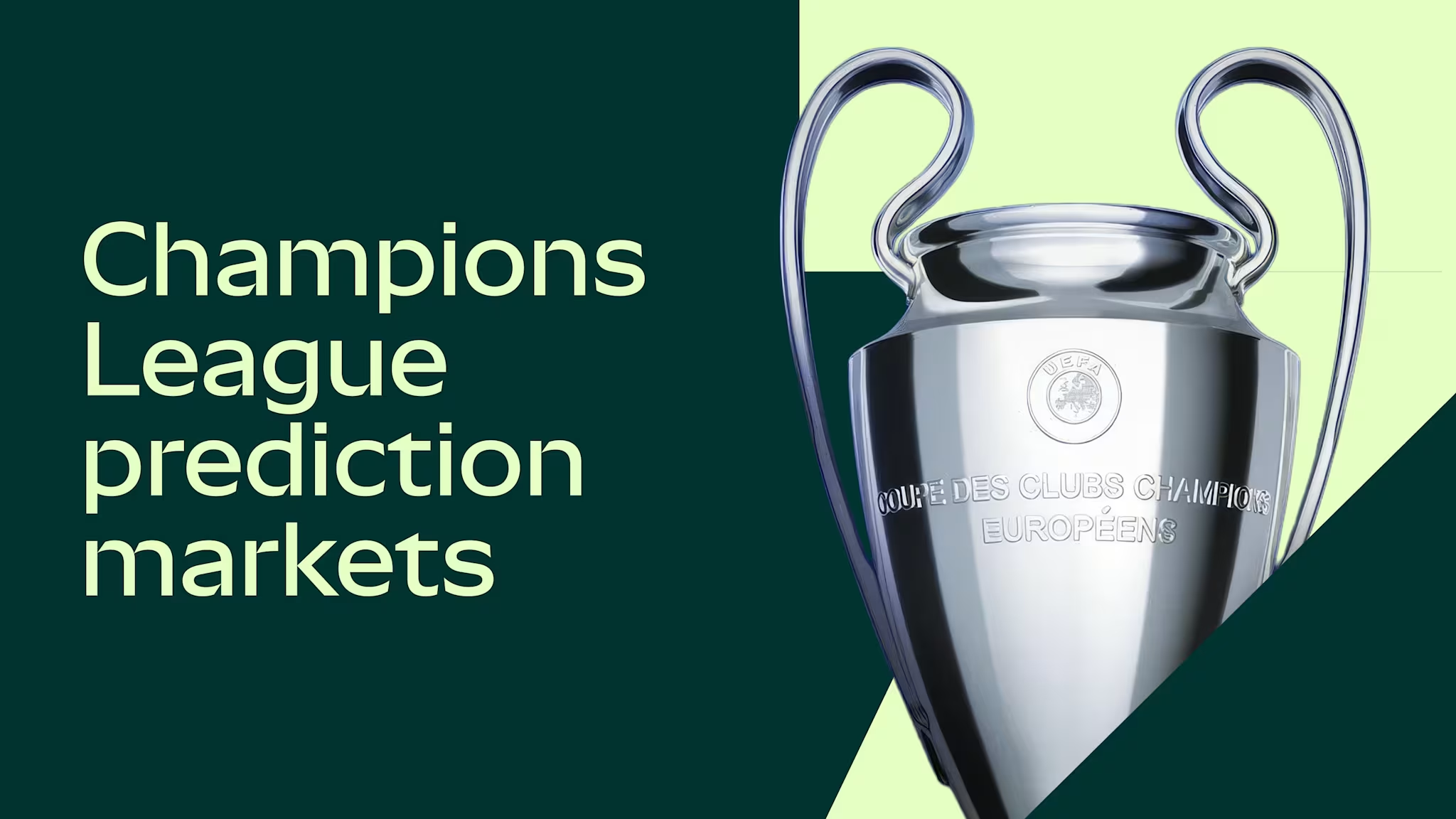
Champions League prediction markets explained
The 2026-2027 Champions League season trading map: an overview of key prediction markets across the league phase and knockouts, what makes pricing distinct, and what moves volume from the opening match on Sep 8 2026 to the final in Madrid on June 5 2027.
- LATEST

MetaMask Card x Blackbird: Dine like an insider
Restaurant lovers, your card unlocks priority access.
- LATEST
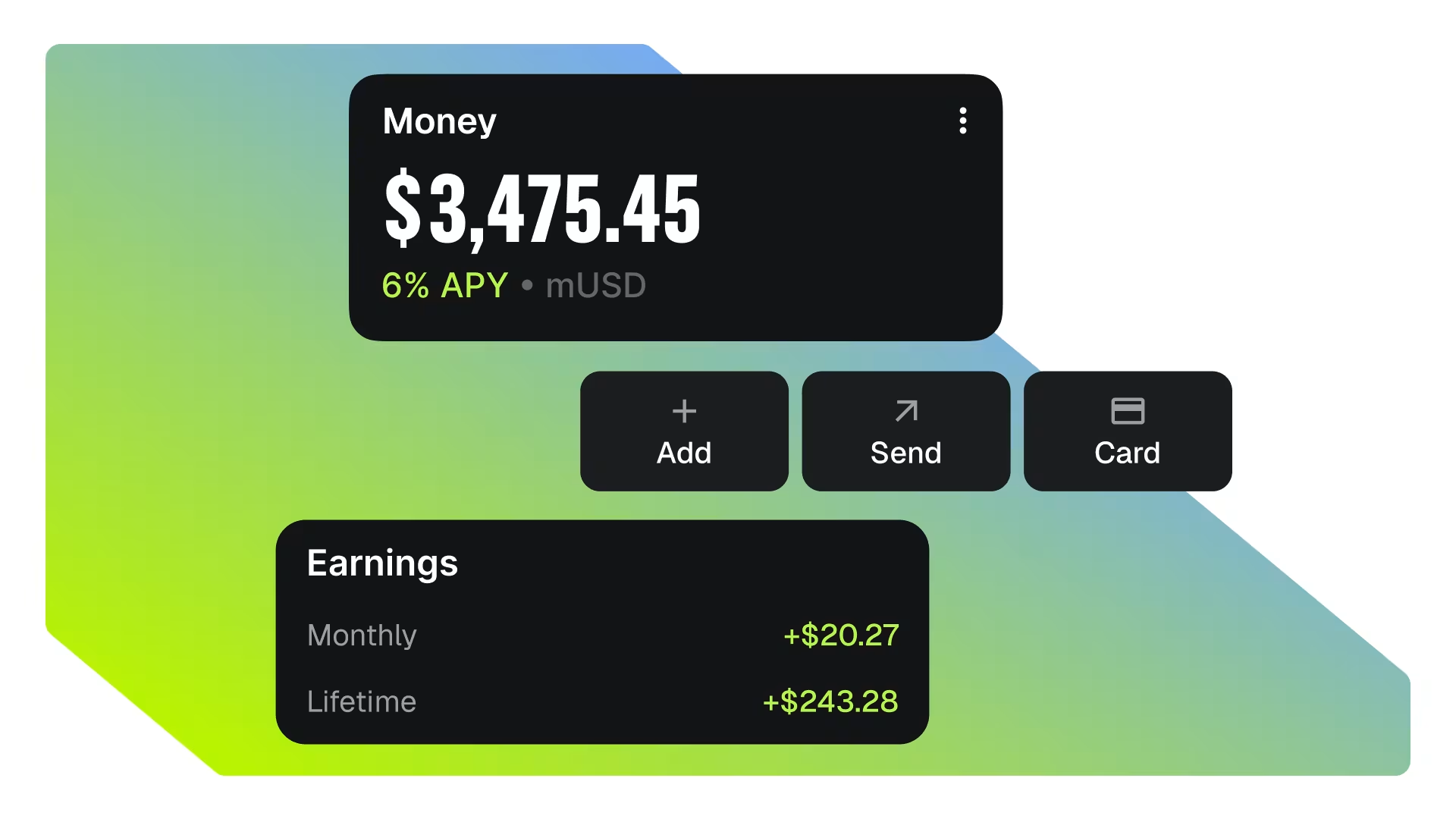
Introducing MetaMask Money Account
Earn up to 6% APY automatically as you trade, send, and spend. Turn your money on.

